Your entire site.
One capture.
Enter the homepage URL.
Capture the whole website at once.
With AI assistance,
spot requests that drift from the brief.
AI checks requests against meeting notes and past decisions.
Reduce back-and-forth, rework and review stress.








Try your own projects free for 30 days
No card required. No automatic charge. Continue for JPY 2,200/month, tax included, if you choose.
Start your 30-day free trialA quick look at Page Atlas
Japanese-language video: from website capture to change requests and AI checks.
You want to get on with the work.
Another day goes by just clarifying feedback.
Website reviews
keep taking up your day.
The same routine again:open the website,
capture one page at a time.
By the time you finish every page,
you have not even started discussing revisions.
“Which part needs changing?”
“Somewhere in the middle of the homepage” leaves you asking where to start.
“That is not what we agreed.”
A design that seemed on track gradually takes a different direction.
“Revision or additional work?”
A small request turns into a discussion about cost and deadlines.
“Where are those meeting notes?”
Email, chat, documents. Finding the agreed decisions becomes a task of its own.
Bring the review workflow together with Page Atlas.
Enter one URL to capture an entire website.
Go beyond a single screenshot. Automatically visit multiple pages
and capture each one from top to bottom.
30 times
Repeat the same steps for every page.
Move to the next page and start again.
1 time
Visit and capture pages in one workflow.
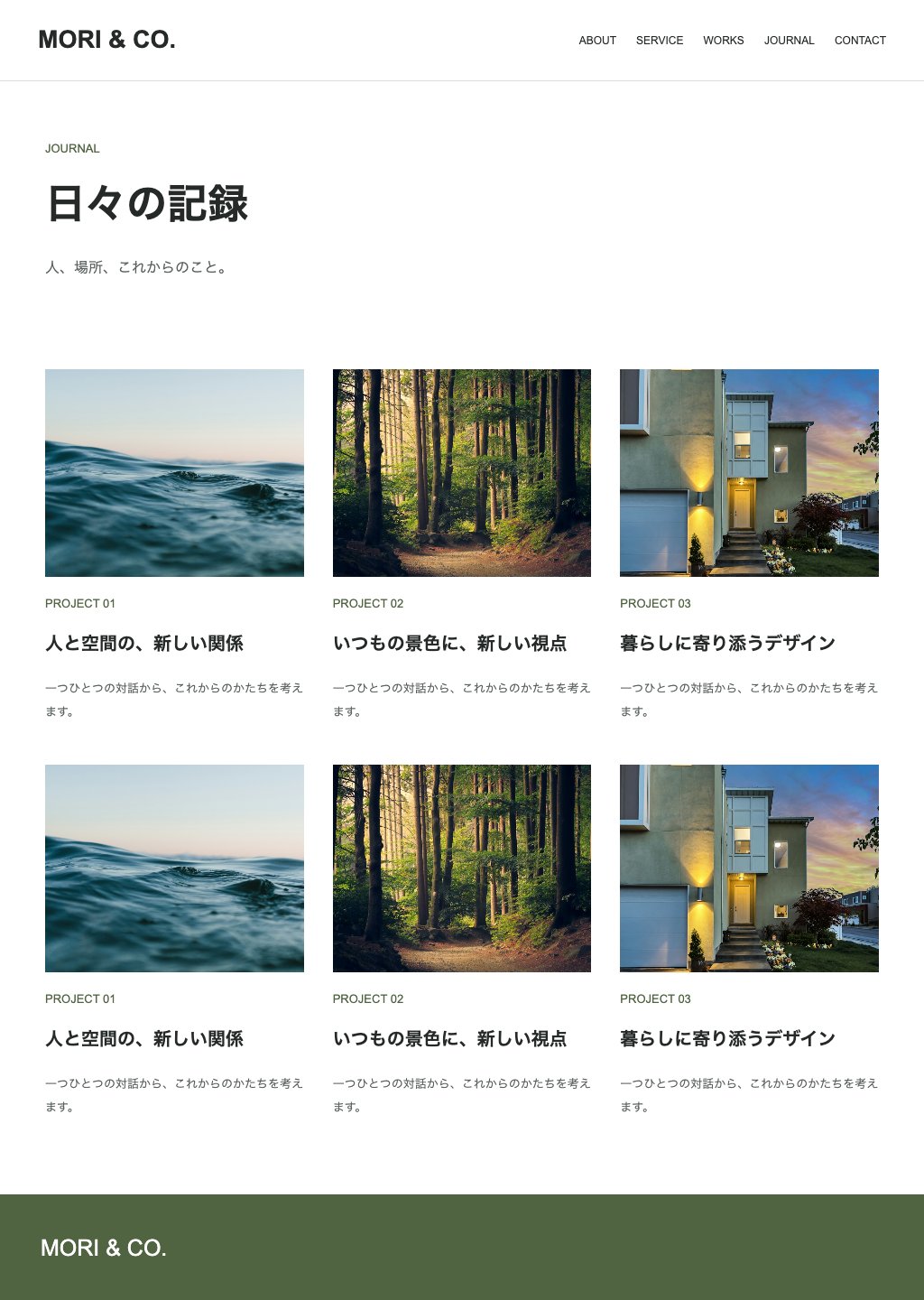
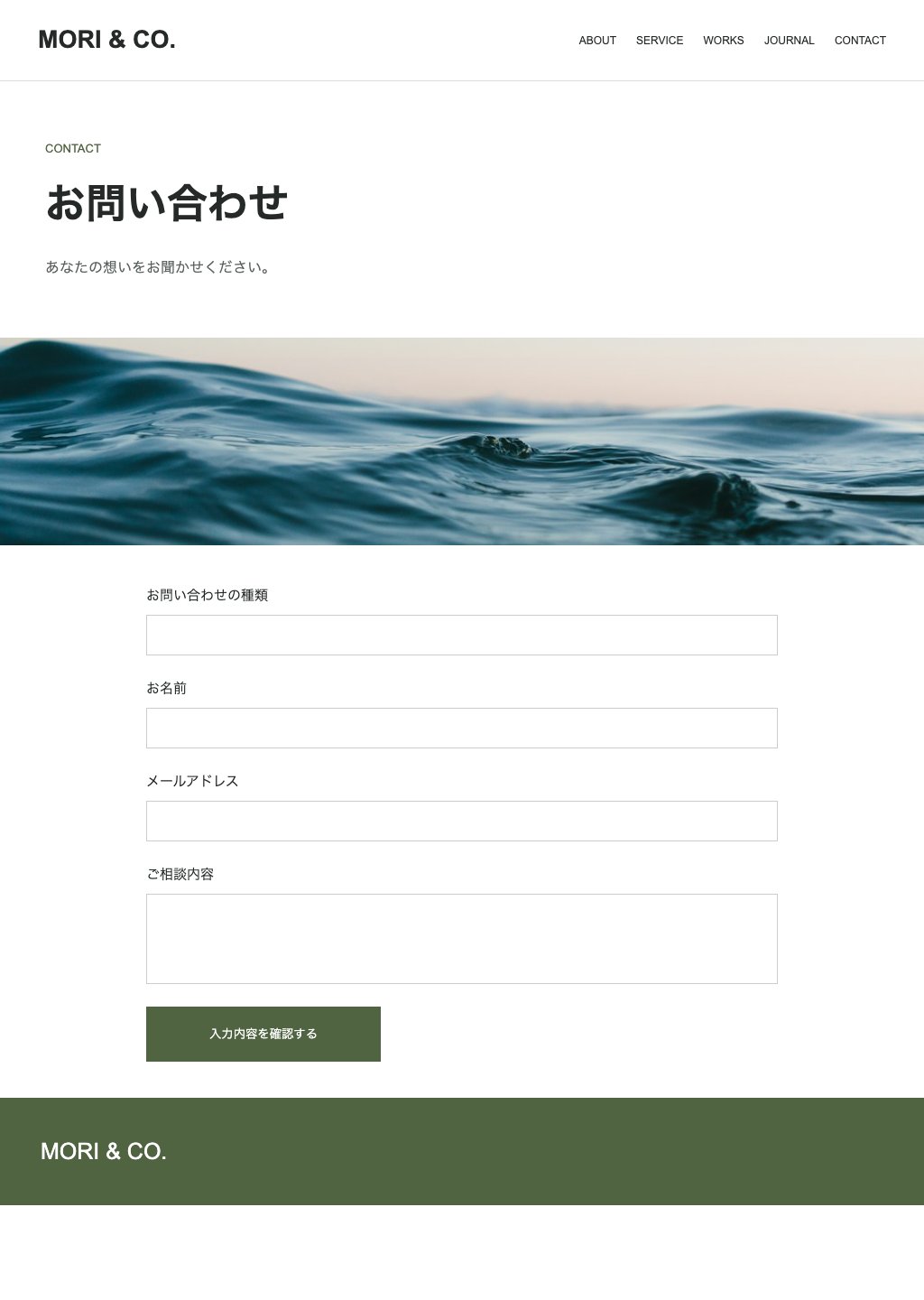
See all captured pages together in an overview.
Long pages, all the way to the bottom.
10P / 30P / 50P / 100P / 200P
Review small websites and larger sites in one place.
01 Public websites
Get an overview of an entire published website.
02 Basic authentication
Add credentials to capture staging sites before publication.
03 Admin pages
Include pages behind a login in your review.
Add requests directly to the image.
Make the location clear and reviews easier.
Spend less time writing descriptions
of where each change belongs.
Place a request on the relevant part of the captured screen.
Which page, which area and what needs to change.
Your team and client can discuss the same screen.
AI compares requests with past decisions.
spot requests that drift from the brief.
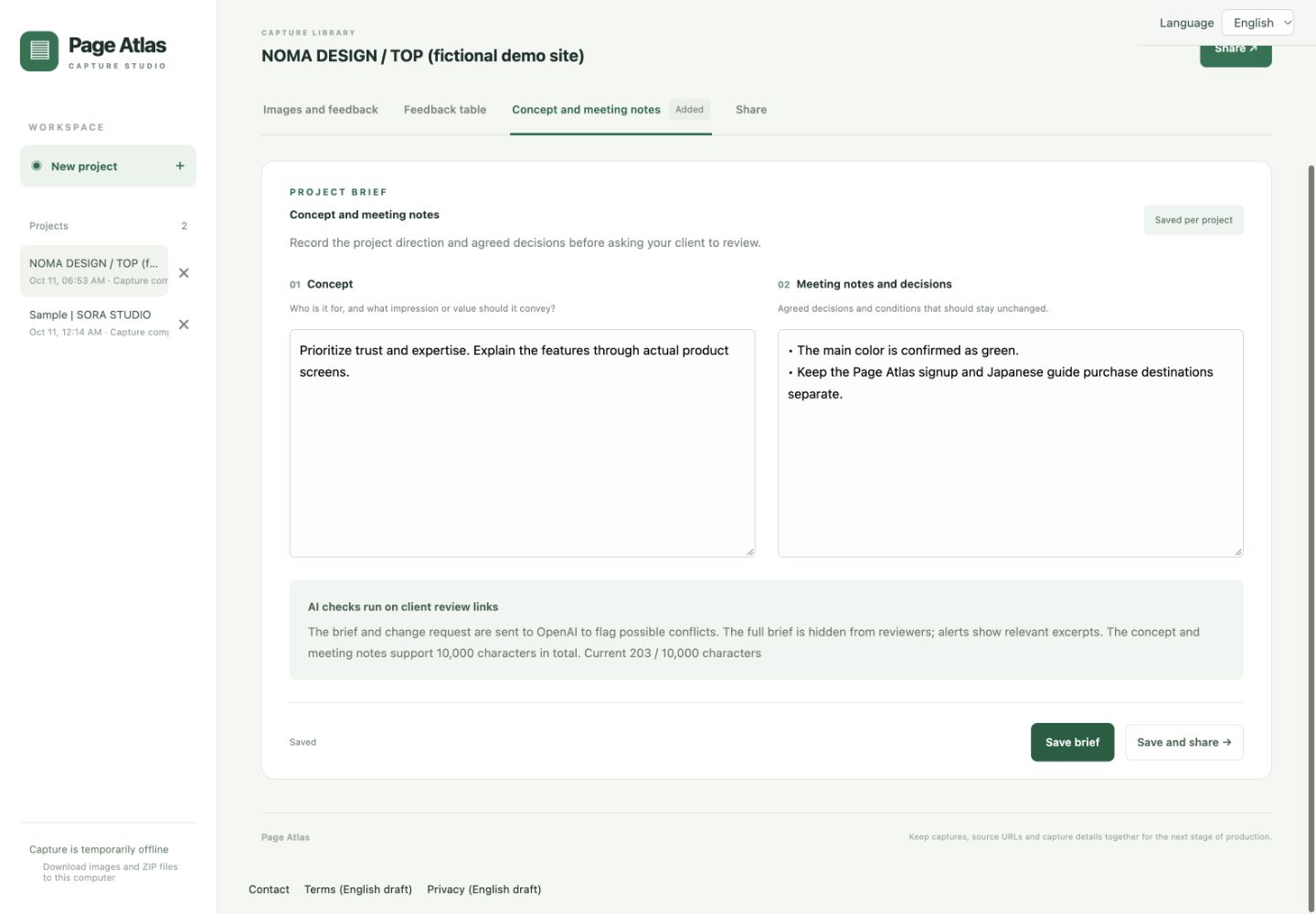
A warning when a request may conflict with a decision.
The agreed color is green; a request asks for red. AI flags the possible conflict and asks you to review it before saving.
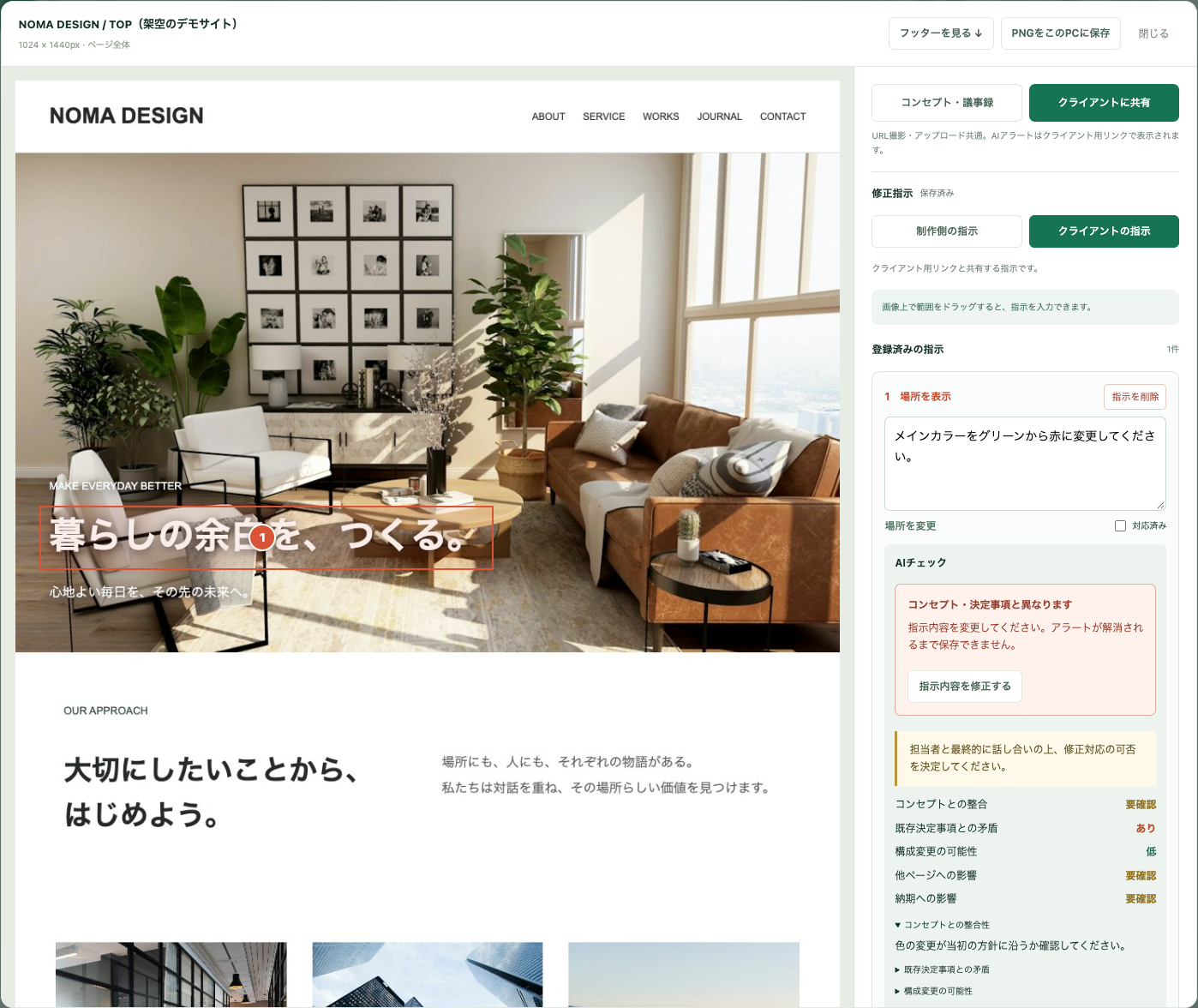 AI flags a possible conflict / Japanese UI example
But there is more to it.
Tools alone
cannot resolve every production issue.
Even with records and reviews, problems can happen
when people do not share the same approval criteria.
Clear criteria
for better decisions
What to review, when and how thoroughly.
Agree on the assumptions and limits behind a decision.
- The difference between review and approval
- The boundary between revisions and additional work
- Decision criteria to agree on
A tool to put
it into practice
Bring this approach into everyday projects.
Connect screens, requests and past decisions.
- Capture full pages across a website
- Share change requests on the screen
- Compare notes and requests with AI
Open Field brings together a decision-making approach developed
over 20 years, a 273-page guide and Page Atlas for daily practice.
Alongside the features, practical criteria built through years of real projects.

Founder of web production company Open Field
Teppei Noguchi
Author of “Web Design That Sells: The Laws of Marketing” (Japanese)
Even with reviews,
projects can go wrong.
I have worked in web production for over 20 years. Many times, we defined requirements, kept meeting notes and reviewed the work, yet the project still drifted into disagreement.
“We already agreed on that.” “I did not think that was included.” I kept examining what happened in real projects to understand why reviews did not always prevent problems.
When people say “I reviewed it,” they may have looked at different things and approved different details. The 273-page guide explains these gaps in decision criteria in a form you can use in projects.
I created Page Atlas so this approach could become part of daily reviews and revisions, beyond simply reading about it.
Practical decision criteria,
built on 20 years of experience.
Open it when you need guidance. Revisit it before you start. Includes checklists for project reviews.
Align project assumptions before starting.
Explore decisions through real project situations.
Check for omissions at project milestones.
Less back-and-forth.
More time for the work.
Search → Capture → Clarify → Revisit
Explain locations, find meeting notes and clarify decisions. There is a lot to do before work can begin.
Capture → Review possible gaps → Create
Use the same screen and shared criteria to identify what needs discussion. Agree on the direction, then move ahead.
This time allocation is illustrative. It does not represent measured time savings.
Start with one image and one change
How to try it and usage terms
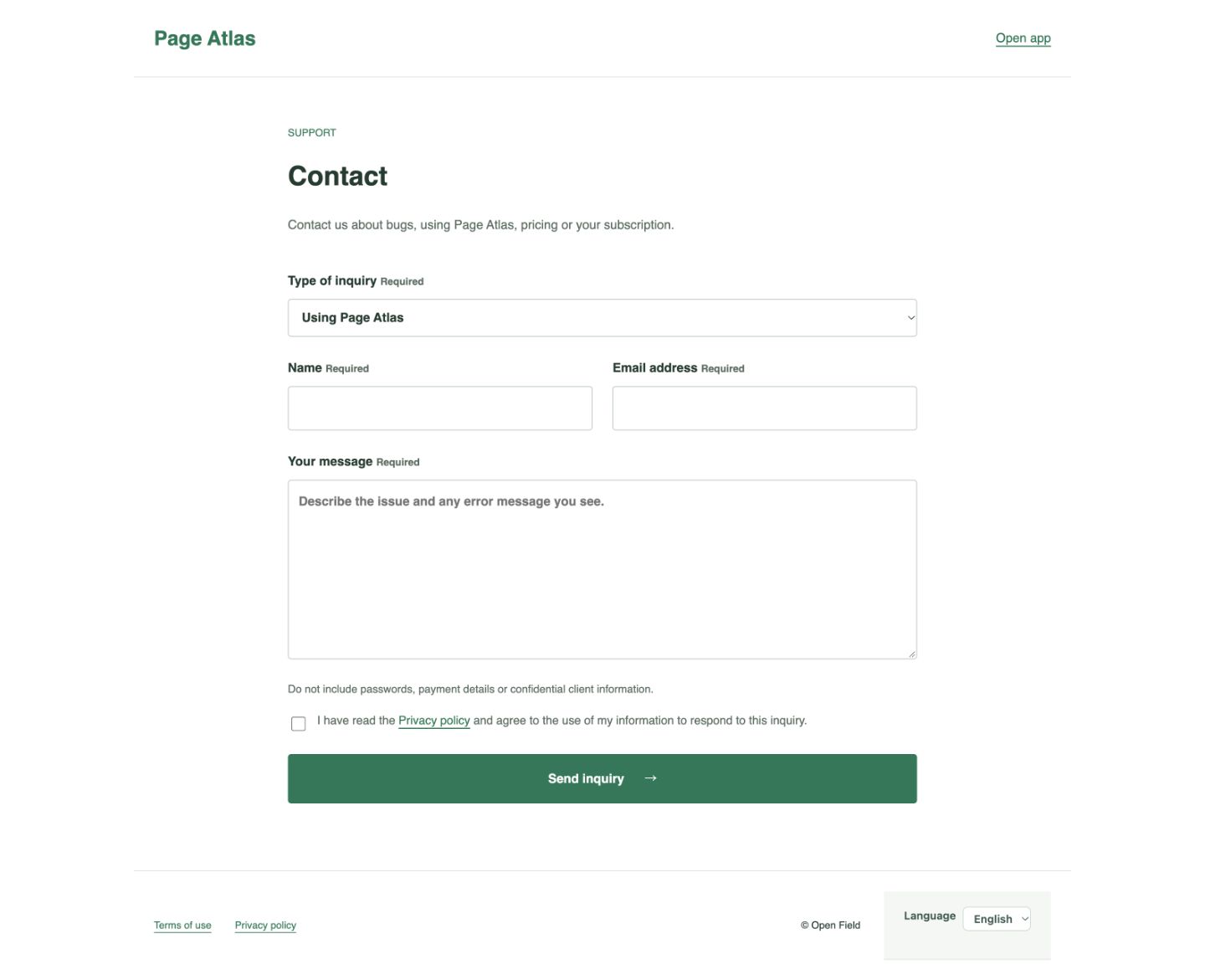
After signing up, you can practice with one non-confidential page image. Add one revision request with the location, change and reason. No client project or image preparation is needed to sign up.
1. Location / 2. Change / 3. Reason
No card required. No automatic charge when the trial ends. Capture and AI usage limits apply.
Start with the tool, or add the practical guide.
Choose your starting point.
Page Atlas only
Try your own projects free for 30 days. No card or automatic charge.
- Automatic visits and full-page captures
- Basic authentication and admin pages
- Change requests on the image
- Meeting note reference and AI assistance
JPY 26,400
273-page guide + Page Atlas
One year of Page Atlas included
+ A decision-making approach based on over 20 years of experience
- All Page Atlas tool features
- 30 chapters, 273-page Japanese guide + PDF
- Seven questions before production
- Twelve practical cases and a review checklist
Save JPY 16,600 compared with 12 paid months of PA.
Guide purchasers receive one year of Page Atlas from their first login. From year two, optional continuation is JPY 2,200/month, tax included. No automatic charge for continuation.
Ready to use on your next project after purchase.
For the Japanese guide bundle
- Purchase the guide on note
Keep the 273-page guide as a reference.
- Register through the provided link
Follow the purchaser instructions. Register your company name, email and password.
- Log in to Page Atlas
Use Page Atlas for one year from your first login.
- Use it in your projects
Use the guide to clarify decision criteria, then capture sites, share requests and run AI checks.
Start a 30-day Page Atlas trial with email and password. Continuing is optional. Complete payment for JPY 2,200/month, tax included, to resume the same projects.
Frequently asked questions
Q. Will I be charged when the 30-day trial ends?
No. The trial requires no card and has no automatic charge. New captures, edits and AI checks stop, but you can still view existing records. Pay JPY 2,200/month, tax included, with the same account only if you choose to continue. Payment starts monthly automatic renewal and lets you resume work with your projects and records intact.
Q. Can I capture sites with Basic authentication?
Yes. Set the credentials to capture staging sites during production.
Q. Can I capture admin pages or pages behind a login?
Yes. Set up the login method for the environment you want to capture.
Q. Does AI decide which changes to make?
No. AI compares requests with meeting notes and past decisions to highlight possible mismatches, additional work and impacts. People make the final decisions.
Q. When does the included year start?
It starts when you first log in to Page Atlas.
Q. Am I charged automatically in year two?
No. Continuing is optional. If you choose to continue, the price is JPY 2,200/month, tax included.
Q. How do the guide and the tool work together?
Use the Japanese guide to clarify criteria for review, approval, revisions and changes. Use Page Atlas to connect actual screens, requests and past decisions.
Capture your entire site. With AI assistance,
spot requests that drift from the brief.
A tool for easier reviews, and an approach for shared decisions.
No card requiredOptional continuation / JPY 2,200/month, tax includedAdd the practical guide
Japanese guide: JPY 9,800273 pages + one year of Page Atlas